What is log footage?
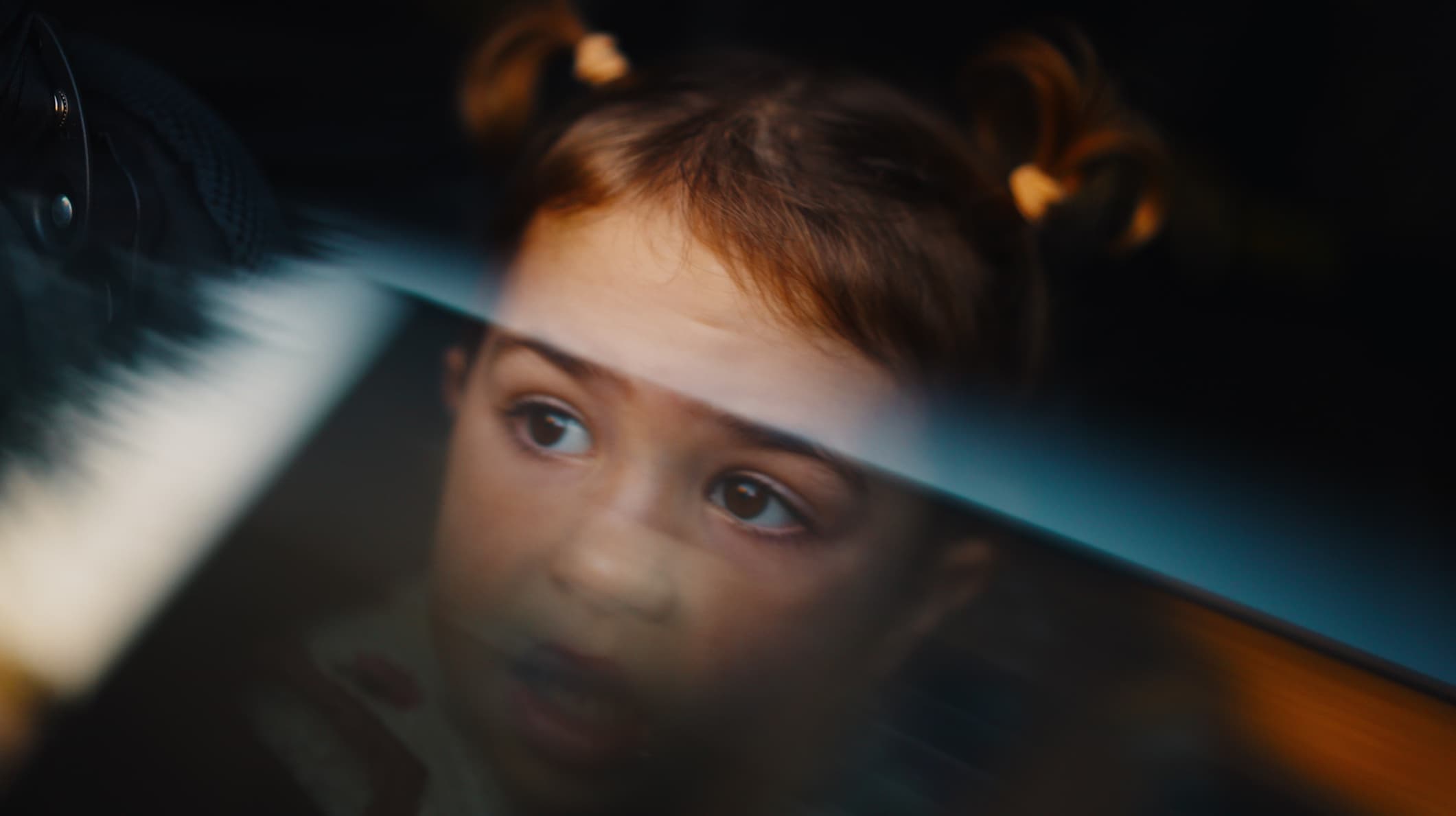
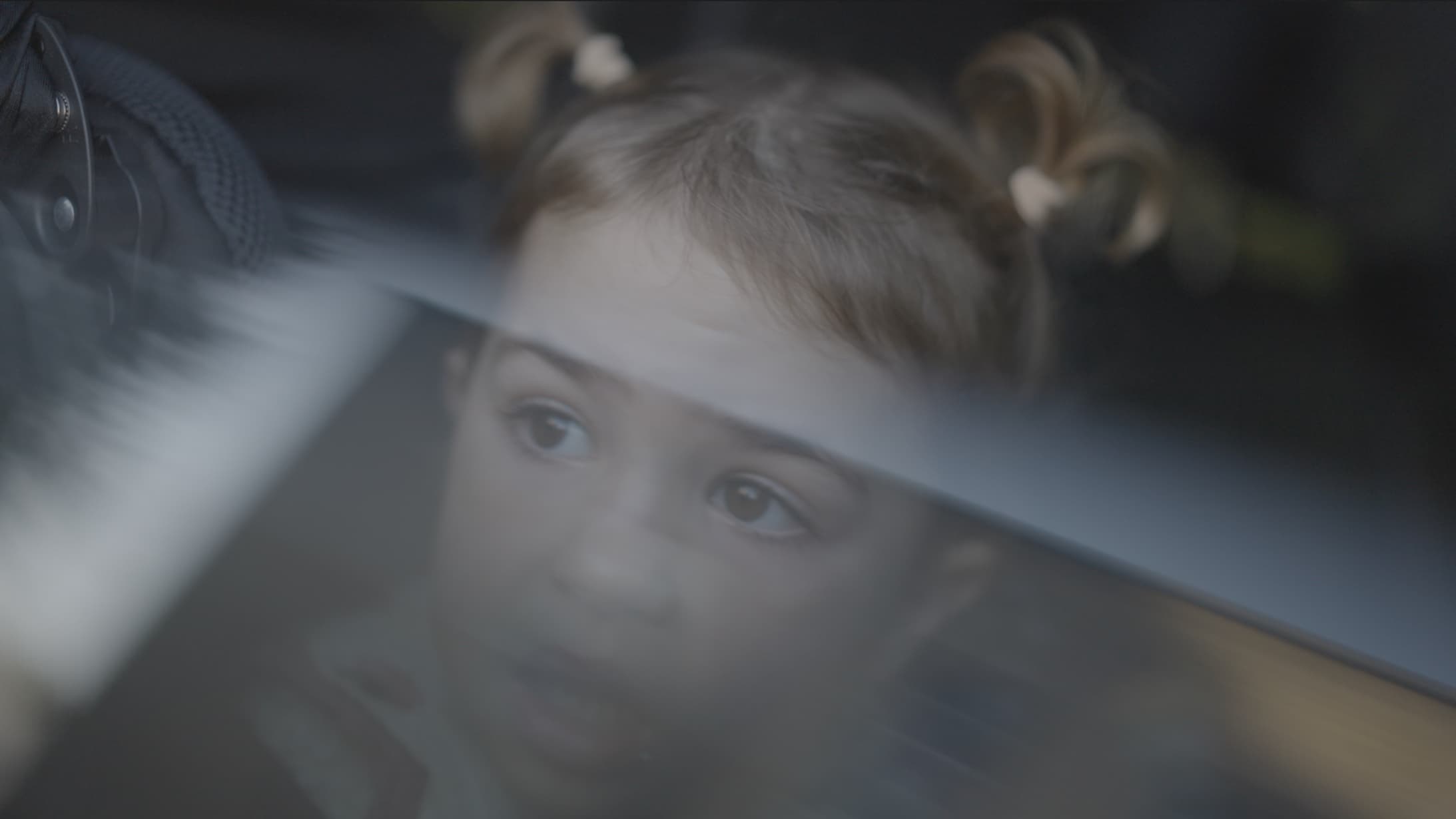
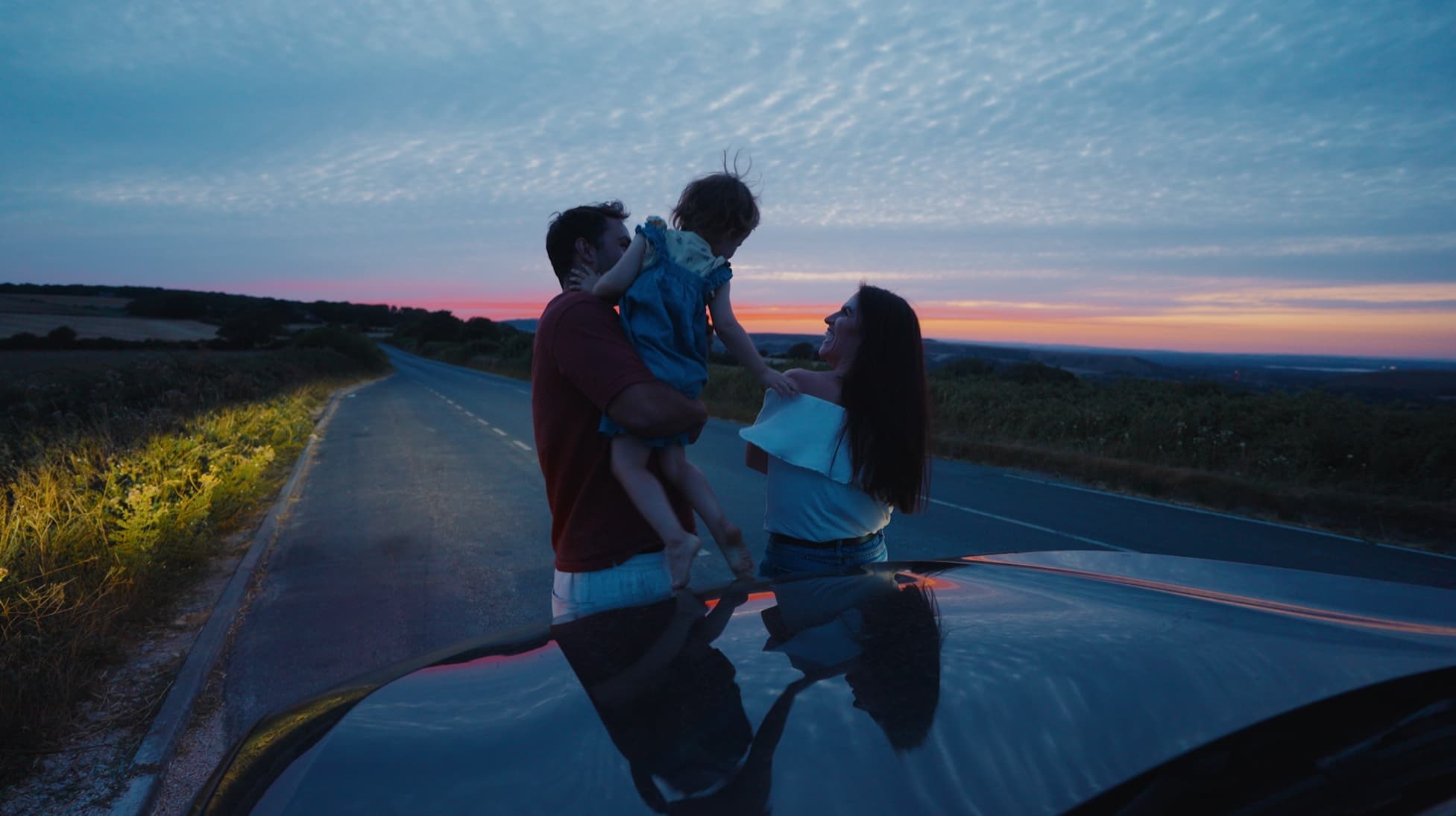
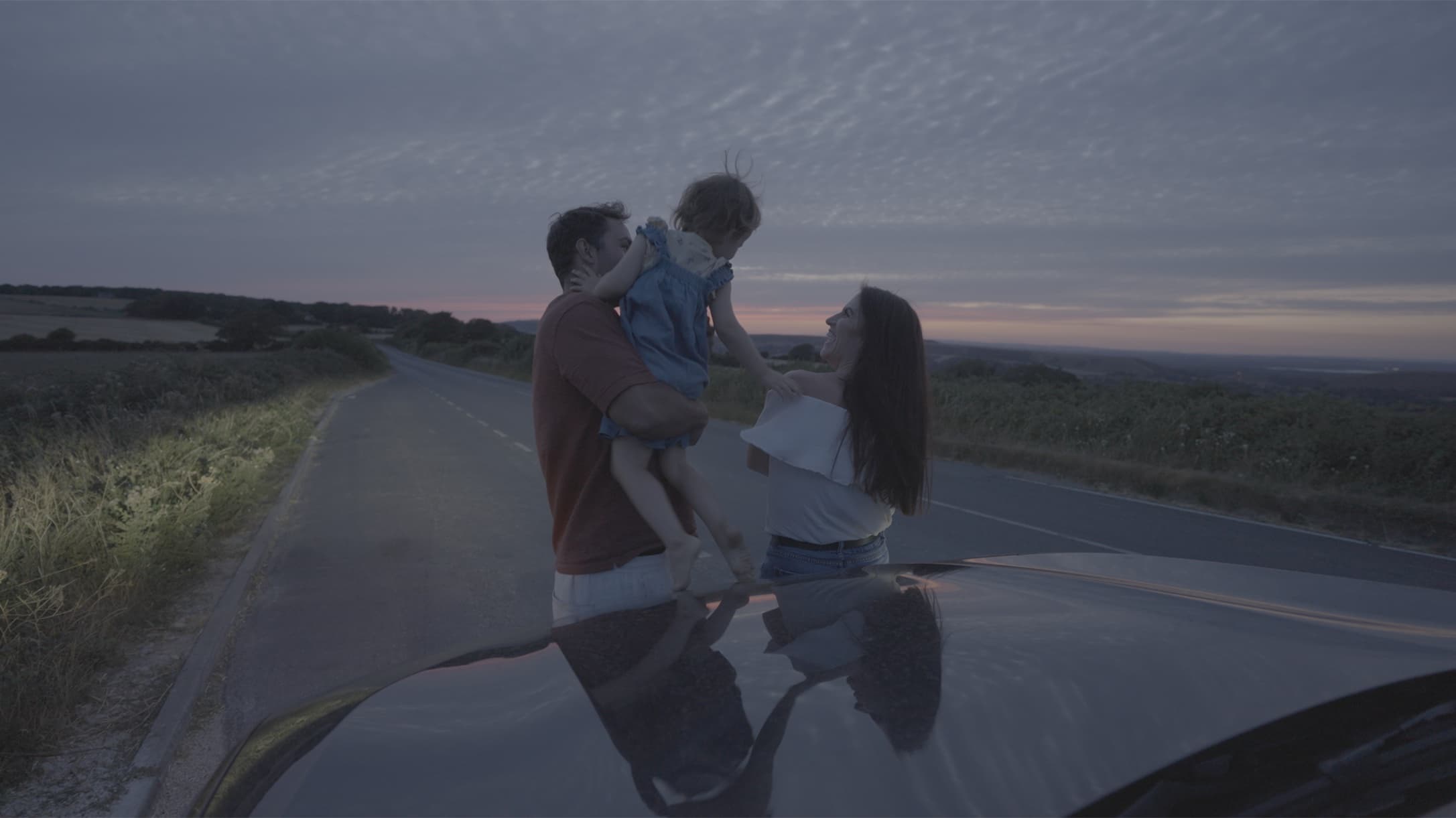
Log footage is video recorded to keep as much detail as possible in the brightest and darkest parts of the picture. It looks flat and grey until you grade it.
Here's what log is, why people shoot it, and what to do with it once you have it.
What log footage is
Log is a way of recording that fits a wide range of brightness into the video file. Instead of a finished-looking picture, the camera saves a flat one with low contrast and the detail kept at both ends. The name comes from the logarithmic curve the camera uses to do it.
Straight out of the camera, log footage looks grey and washed out. That's normal. It's meant to be graded before anyone sees it.
Why shoot in log
Log keeps more detail in bright skies and dark shadows than normal video does, so you have more to work with when you grade. A bright window stays a window instead of turning white.
It also leaves the look to you. The camera doesn't bake in contrast and colour, so you choose them, and you can match clips shot in different light.
The cost is time. Log footage needs grading before it looks right, and it turns noisy if it's underexposed.
Log and Rec709
Footage not shot in log is often called Rec709, after the standard it follows. It looks finished straight out of the camera, with contrast and colour already set, so there's less room to change it.
Log and Rec709 footage need different LUTs. Log needs converting; Rec709 needs a gentler LUT. The Camera LUTs have a Rec709 file for footage not shot in log.
Every camera maker has its own log
Every maker names its own log: Sony S-Log3, Canon Log 3, Nikon N-Log, Panasonic V-Log, Blackmagic Gen 5 and DJI D-Log. Pro iPhones record Apple Log.
My Camera LUTs have a file for each of those profiles, and the iPhone LUT is built for Apple Log.
The curves differ, so a LUT built for one log won't look right on another. That includes a maker's other logs: Canon Log 2 beside Canon Log 3, V-Log L beside V-Log, and D-Log M, used by cameras such as the Osmo Pocket 3, Mini 4 Pro and Osmo Action, beside D-Log. The pack's files don't cover Canon Log 2, V-Log L or D-Log M. Find the name in your camera's menu, then pick the LUT that matches.
How to tell if you're shooting log
Look for the names above in your camera's picture profile, photo style, tone mode or colour mode menu. Log looks flat and grey on the screen, but so do some other picture styles, so go by the profile's name in the menu, not the picture.
Many cameras have a view assist that shows a normal picture on the screen while you record log: Gamma Display Assist on Sony, View Assist on Canon and Nikon, and LUT View Assist on Panasonic.
How to expose log footage
Log needs light. Underexpose it and the shadows turn noisy once you lift them, so meter for faces and err towards brighter. Watch the highlights too: a part of the frame that reaches pure white can't be brought back in the grade.
What to do with log footage
A LUT turns log into a normal-looking picture in one step. Mine also add the warm, nostalgic colour of my family films, so a clip comes out graded as well as converted. Set exposure and white balance first, then apply the LUT.
New to LUTs? What is a LUT? is under More guides below.
Find your look with Playback LUTs
Log footage in brief
- Choose your camera's log profile in its menu, such as S-Log3 or Canon Log 3, or Apple Log on a Pro iPhone.
- Turn on your camera's view assist, so the screen shows a normal picture while you record log.
- Expose for faces, brighter rather than darker.
- In your editor, set exposure and white balance first.
- Apply the LUT built for your log profile. The supported profiles are under Guides by camera below.