What is a LUT?
A LUT, short for lookup table, is a small file that changes the colour and contrast of your footage in one step.
Here's what a LUT does, why log footage needs one, and how to use one in your editor.
How a LUT works
A LUT is a table of colours. For each colour in your clip, it lists the colour to show instead. Your editor applies the table to every frame, so the same look lands on every clip.
Most video LUTs are .cube files, which Premiere Pro, Final Cut Pro and DaVinci Resolve all import.
What a .cube file and a 3D LUT are
A .cube file is the format most video editors use for LUTs. It's a plain text file: a short header, then a long list of numbers, each one a colour. Open one in a text editor and you'll see them.
These are 3D LUTs. They work on red, green and blue together, so the table can change one colour without moving the others. A simple curve can't, because it treats each channel on its own.
A 3D LUT can't list every colour, so it lists a grid of them, and your editor works out the colours in between. The number of points along the grid is the LUT's size, and 33 is a common choice.
Why log footage looks flat
Many cameras, and the Pro iPhones, can record in log: a way of recording that keeps more detail in the brightest and darkest parts of the picture. Straight out of the camera, log footage looks flat and grey. That's normal. The detail is there; it just needs converting before it looks right.
Each camera maker has its own log profile, such as Sony S-Log3, Canon Log 3 or Apple Log, and a LUT built for one won't look right on another. Pick the LUT that matches the profile you shot in.
Footage that wasn't shot in log, often called Rec709, already looks finished, so it needs a gentler LUT.
Conversion LUTs and creative LUTs
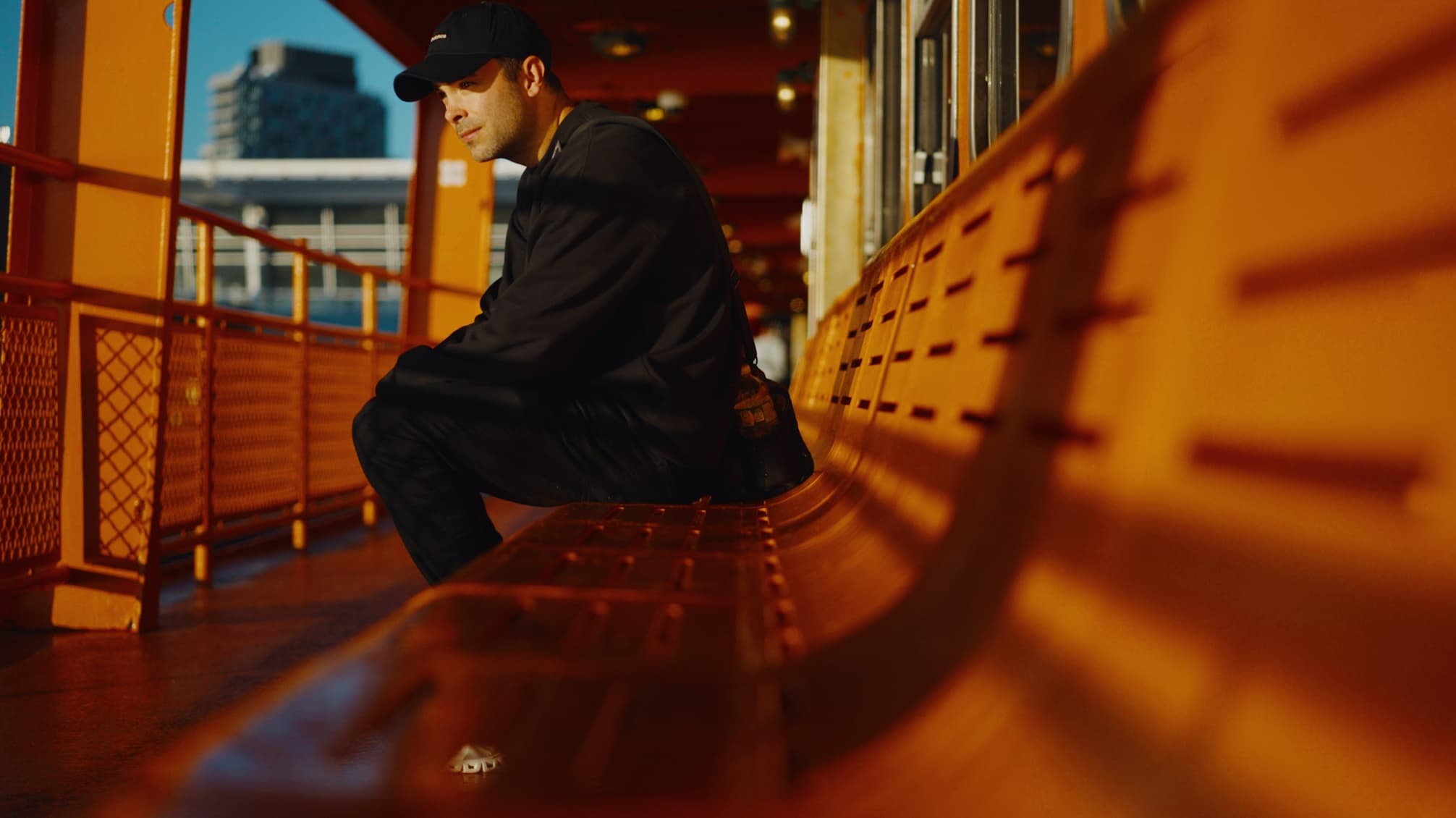
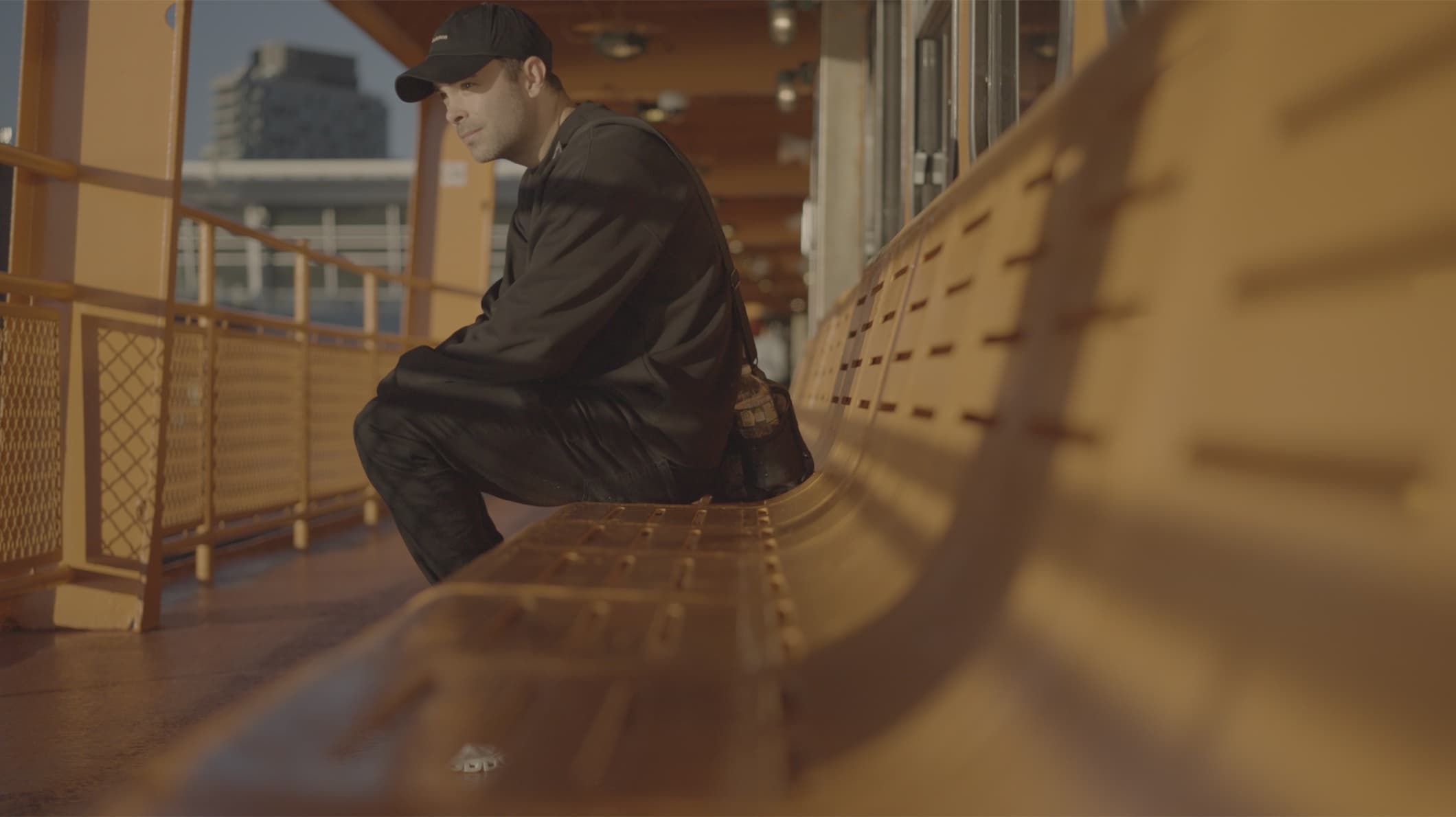
A conversion LUT turns log footage into normal-looking video and adds no style of its own. Camera makers often give these away. A creative LUT adds a look: a palette, a contrast and a mood.
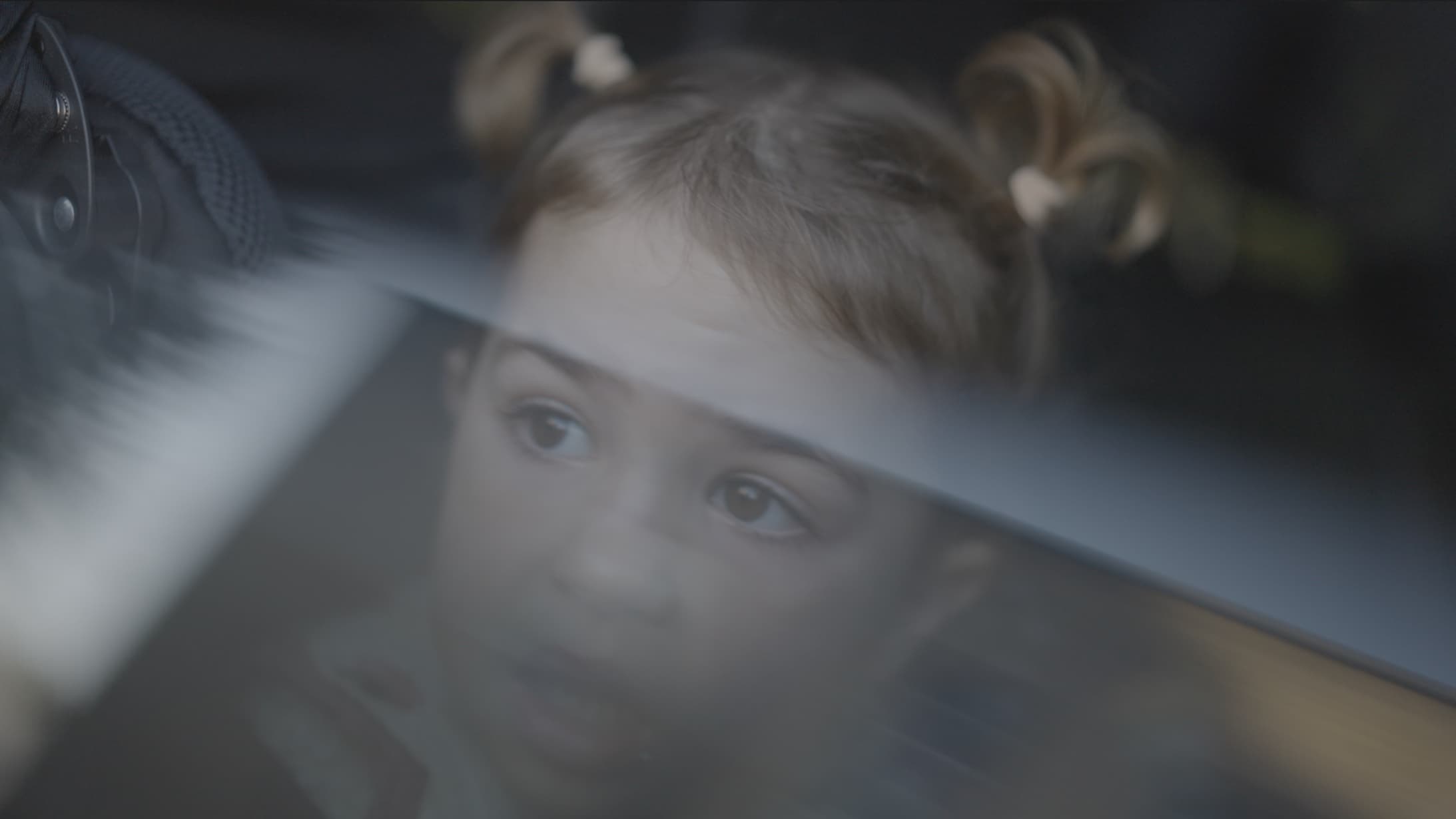
My LUTs do both in one file. They convert your log footage and give it the warm, nostalgic colour of my family films.
LUTs and presets
A preset usually belongs to one app. A LUT is a standard file that works across editors, so the same look follows you from one app to the next.
Find your look with Playback LUTs



How to use a LUT
- Check which log profile you shot in, and pick the LUT built for it.
- Import the .cube file into your editor. The install guides below show where it goes.
- Apply it to your clip, then adjust exposure and white balance until it looks right.
- If the look is too strong, lower the LUT's intensity.