DJI D-Log LUT
A LUT made for DJI footage shot in D-Log.
It's one of seven files in the Camera LUTs pack: one for each supported log profile, plus Rec709 for footage not shot in log.
Find your look with Playback LUTs
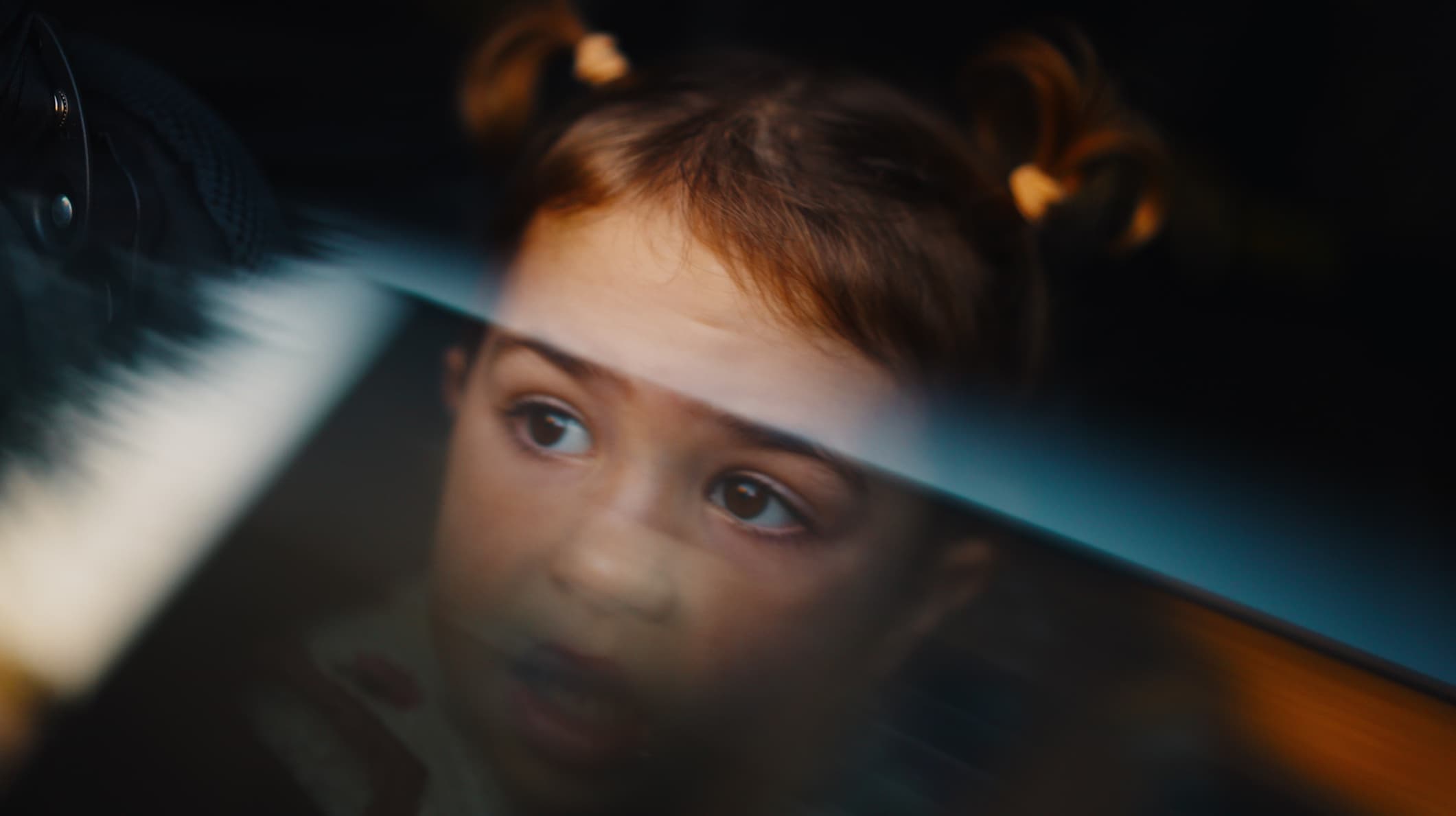
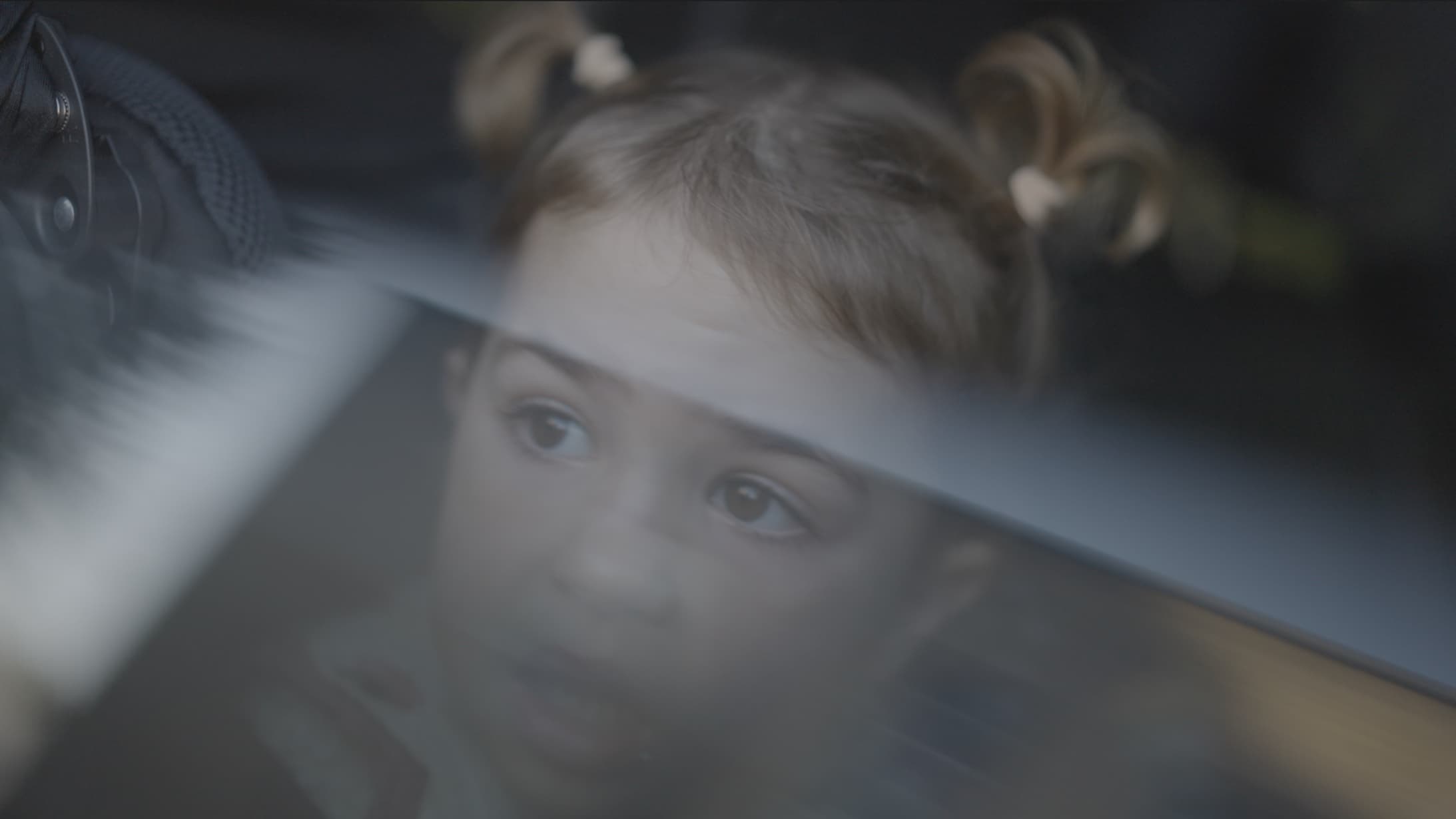
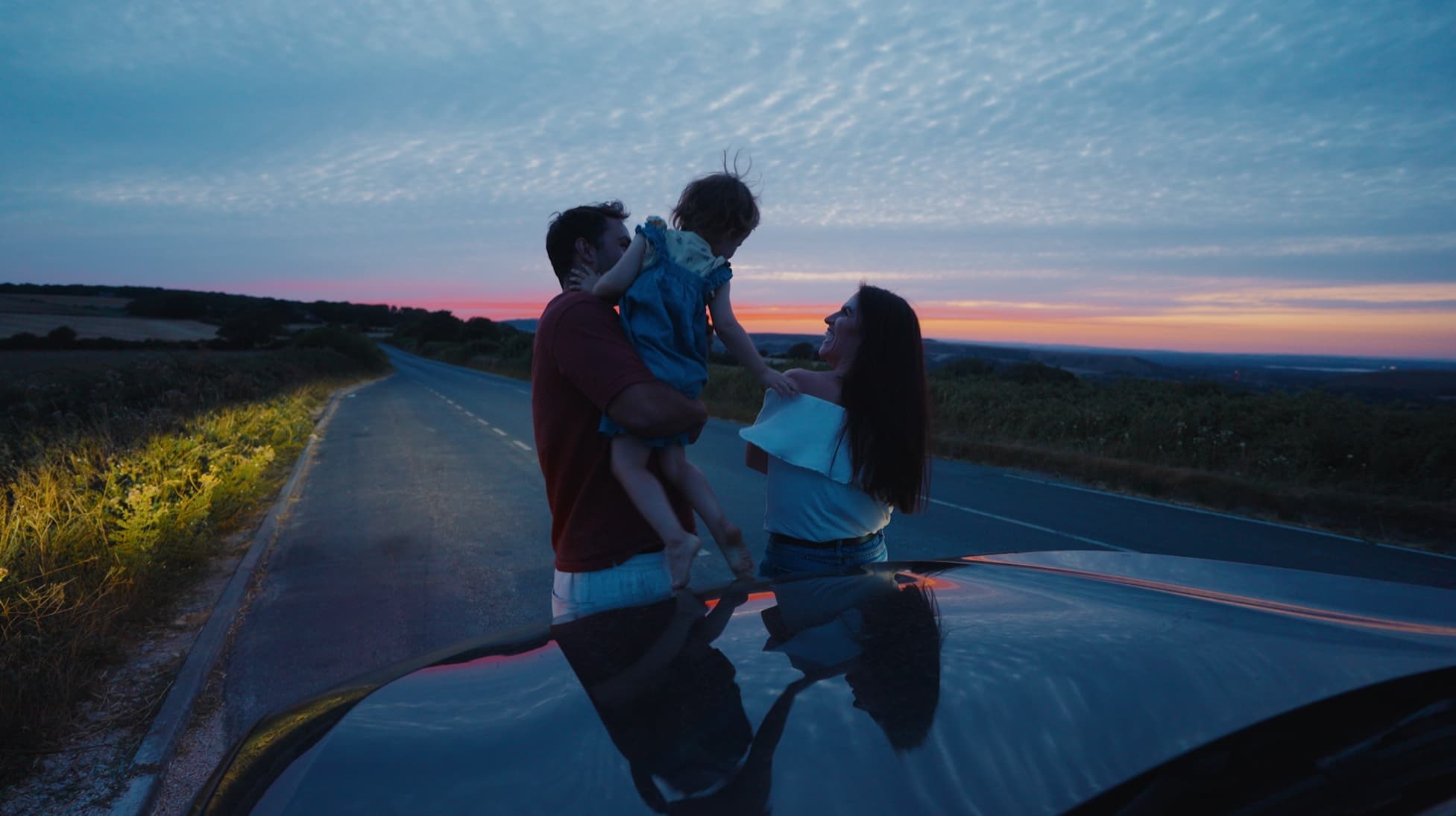
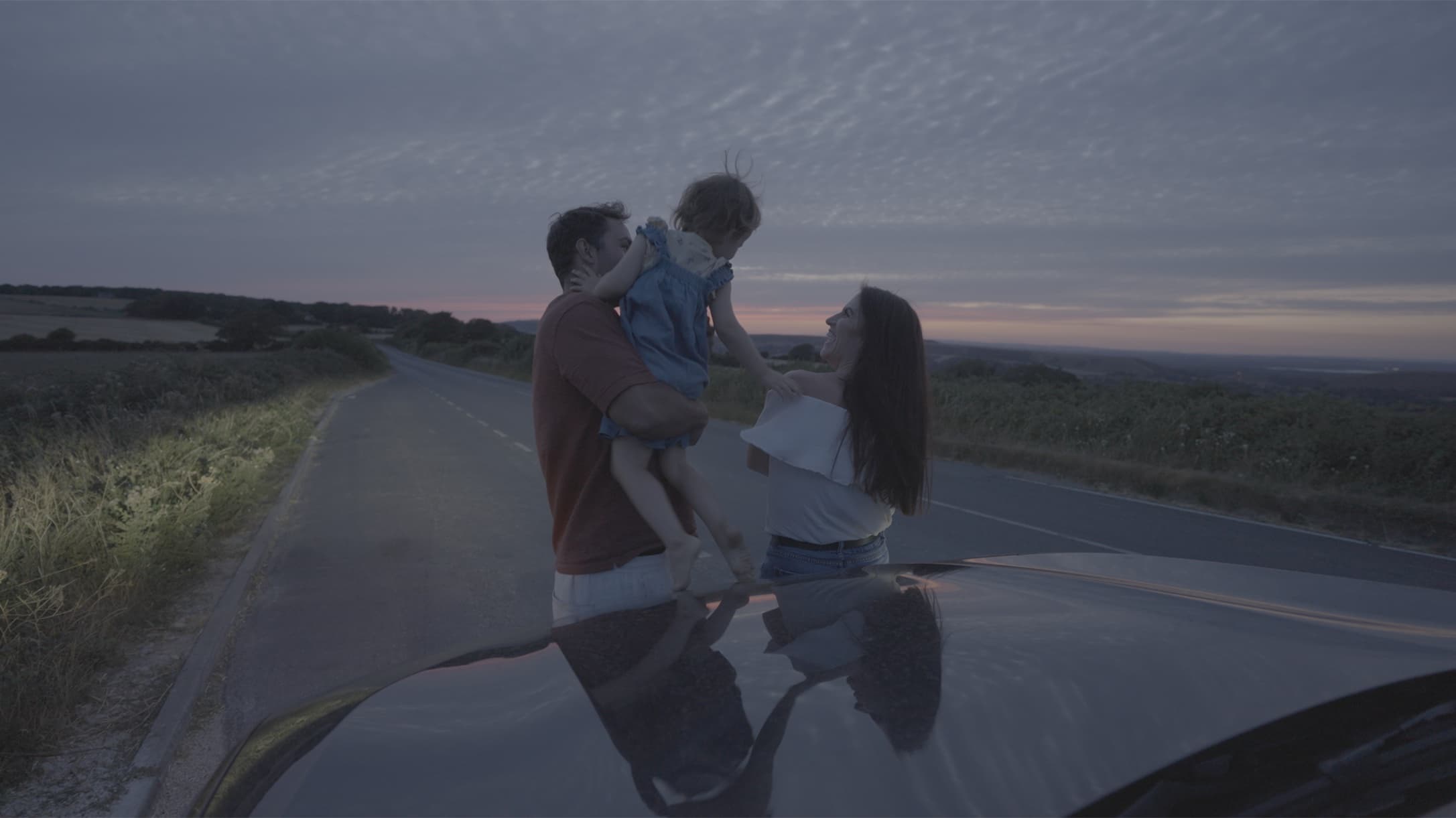
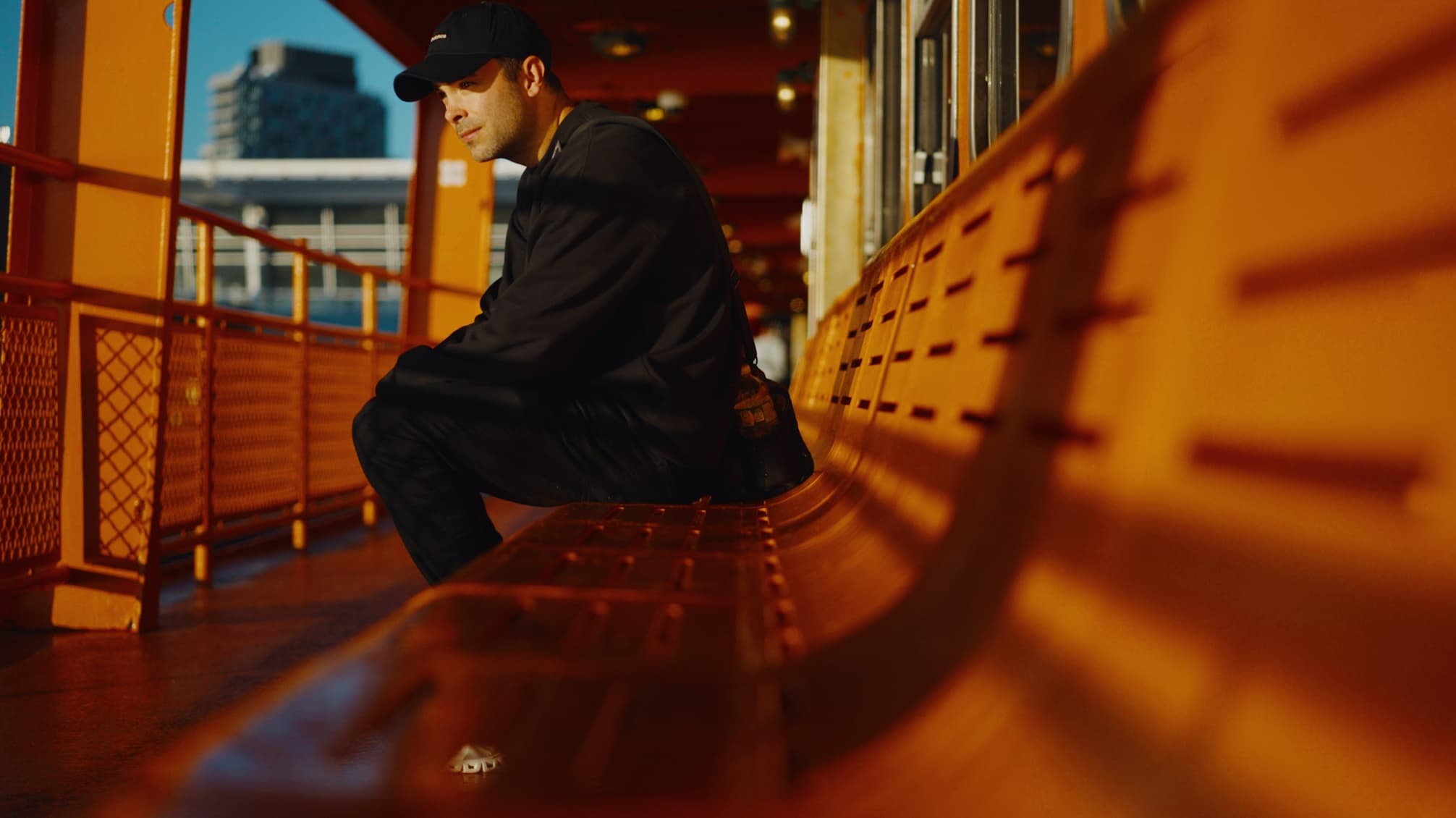
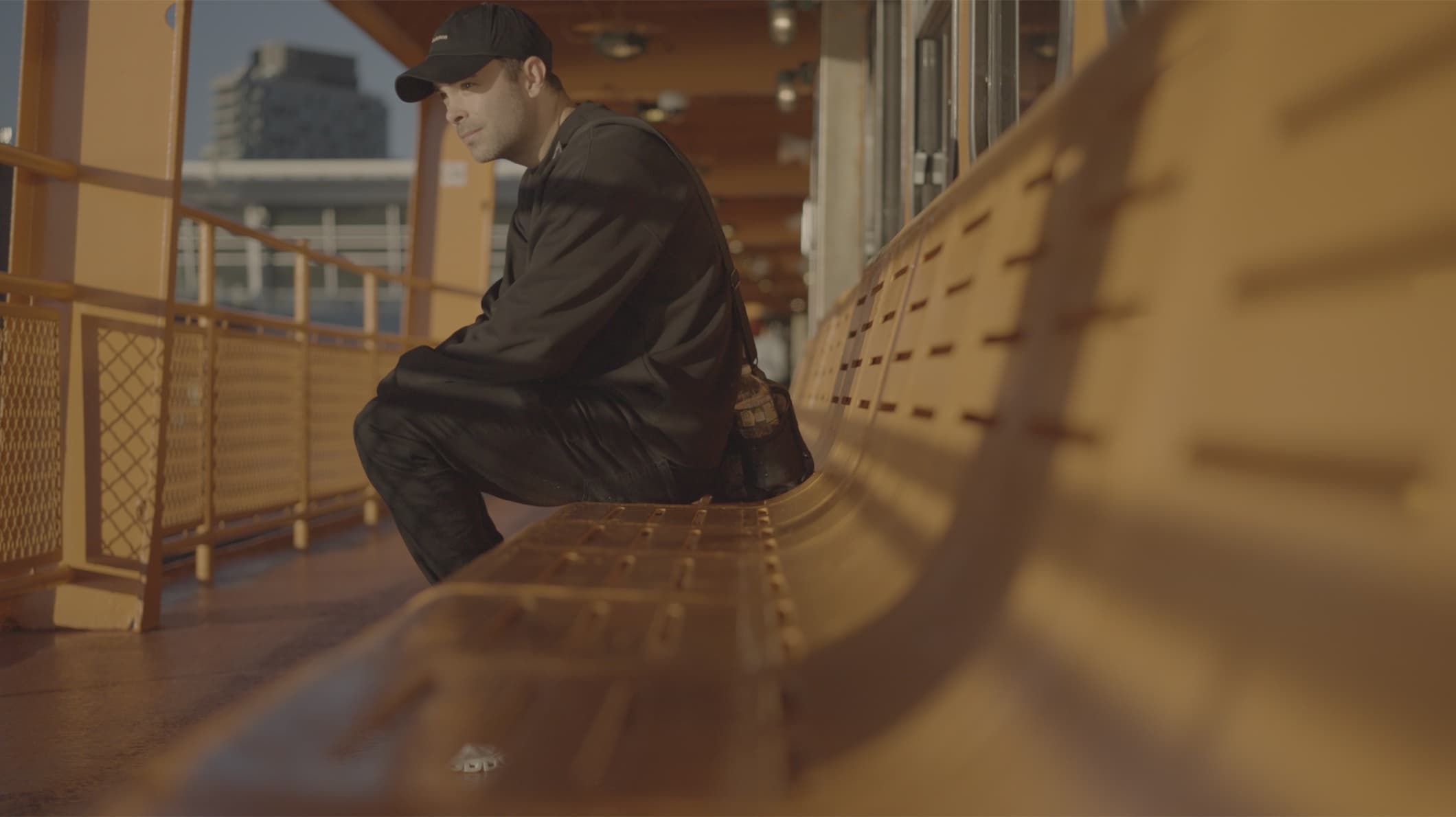
A LUT made for DJI footage shot in D-Log.
It's one of seven files in the Camera LUTs pack: one for each supported log profile, plus Rec709 for footage not shot in log.
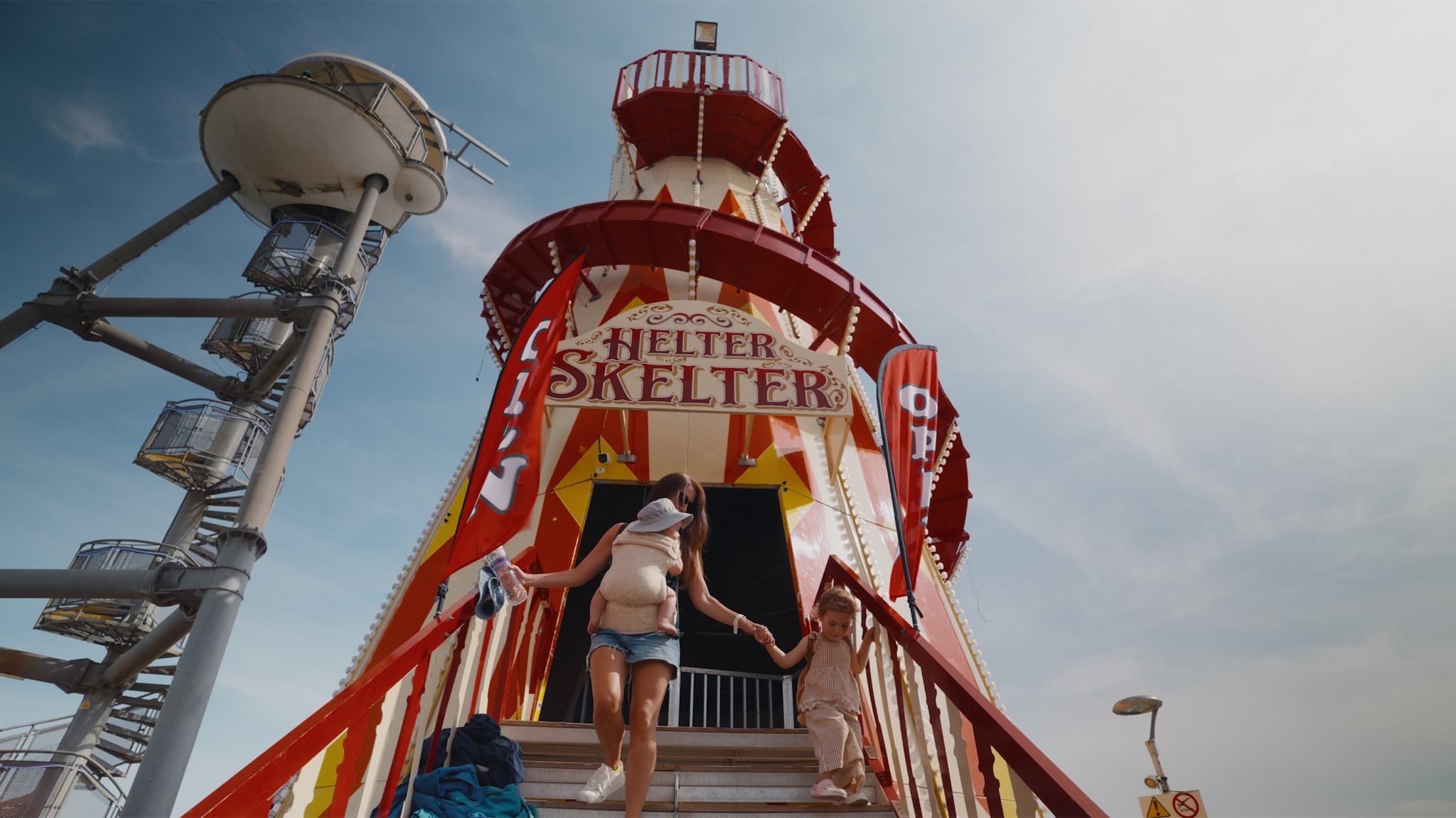
Converts your log footage. Drop it on your clip in Premiere Pro, Final Cut or DaVinci Resolve.
Not listed? If your camera records D-Log, use Playback - DJI D-Log.cube.
No. D-Log M, used by cameras such as the Osmo Pocket 3, Mini 4 Pro and Osmo Action, is a different profile. The pack's DJI file is built for D-Log.
Choose the Camera LUT for supported footage from your dedicated camera, or the iPhone LUT for iPhone footage shot in Apple Log. Shoot on both? Get the bundle.
You'll need an editor that supports .cube LUTs, such as Adobe Premiere Pro, Final Cut Pro or DaVinci Resolve. For CapCut, check that your version supports importing custom LUTs.
The LUT gives you a starting look, but lighting, exposure and white balance all affect the result. A few small adjustments will help you make it work for your footage.
You can download them straight away from the confirmation page. We'll also email you a link, so keep that email handy to find your files again.
Once you've downloaded your files, sales are final. If a file doesn't work for you, get in touch and we'll fix it or refund you.