The colour gradebehind family filmsthat millions have watched
A collection of cinematic video LUTs designed to bring warmth, depth and film-inspired colour to your footage.
Straight from my DMs

OMG this lut is so beautiful. It does the magic. Thank you Tom!

Thank you for the presets 🙏 This reel is my most meaningful piece yet, and the colours turned out exactly how I never managed to get them.

I just discovered your page today and it’s so inspiring creatively and it makes me excited to capture more of my life in a special way.

I’m really loving your content with the videography x dad life.

I love seeing your videos and it’s really helped me feel inspired to get back behind the camera and capture memories in a way I didn’t feel I could before.

I’m a stranger on the internet to you, and I have taken to you and your family without ever meeting you! Keep inspiring people!
Find your look with Playback LUTs
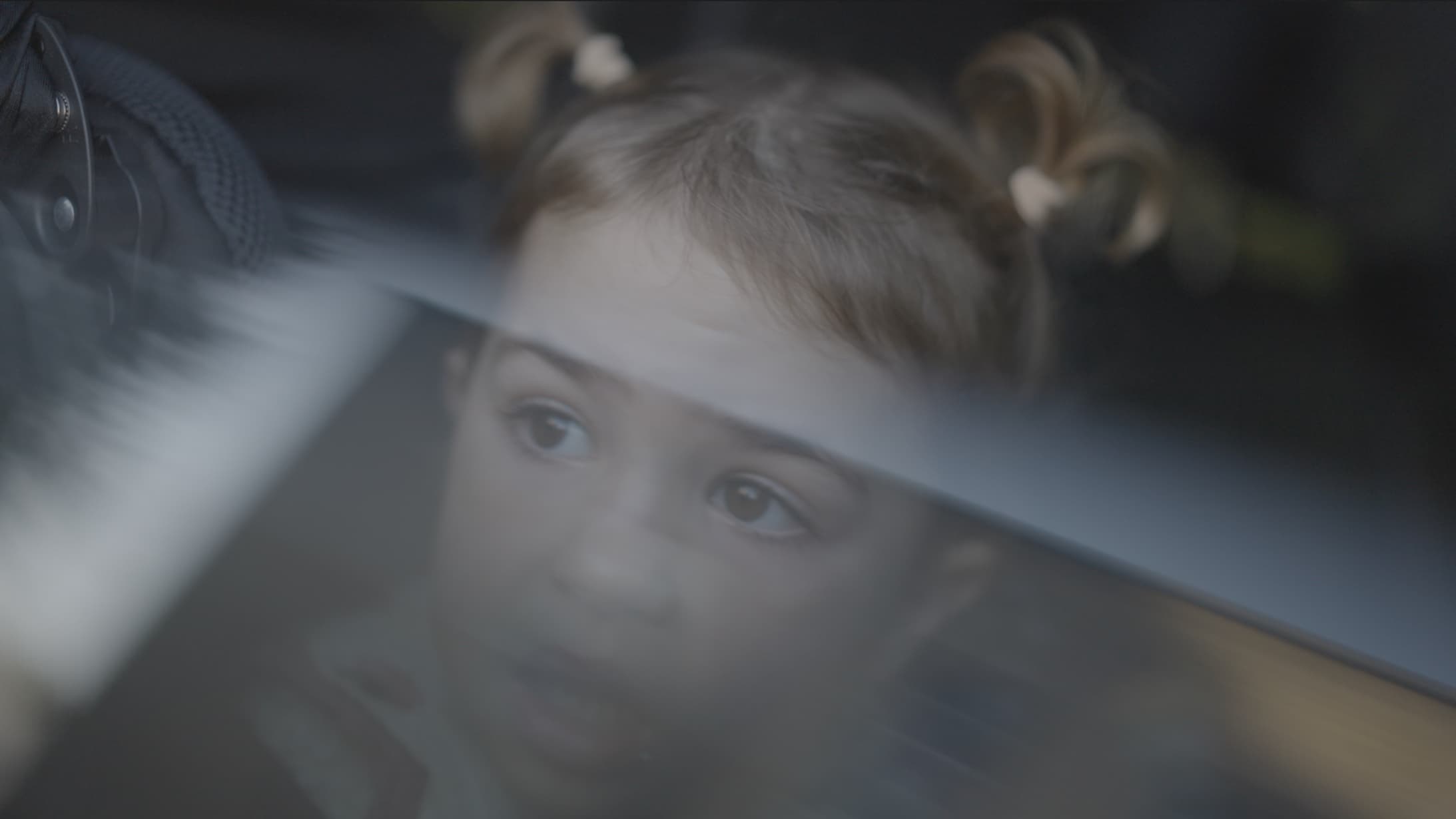
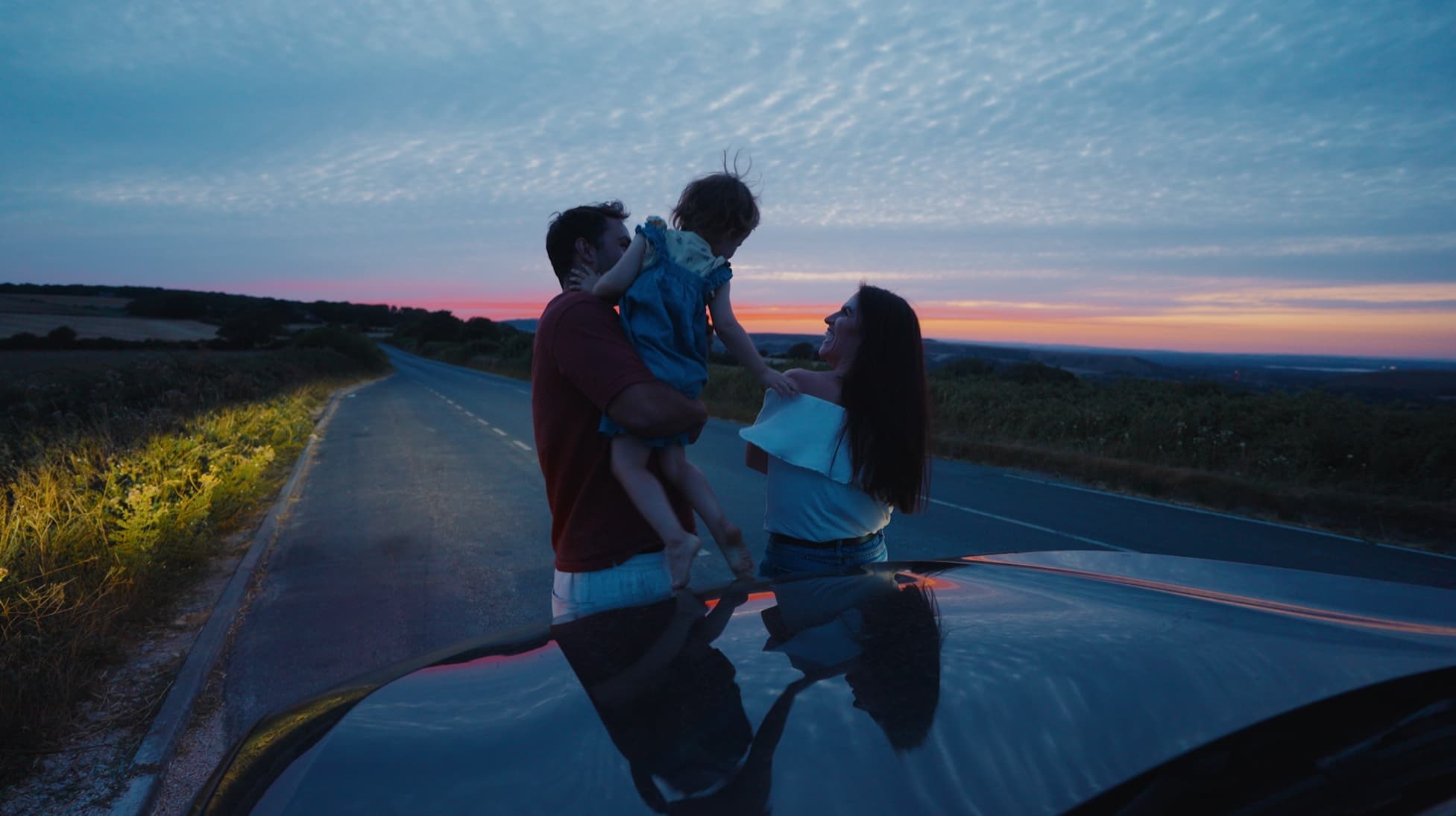
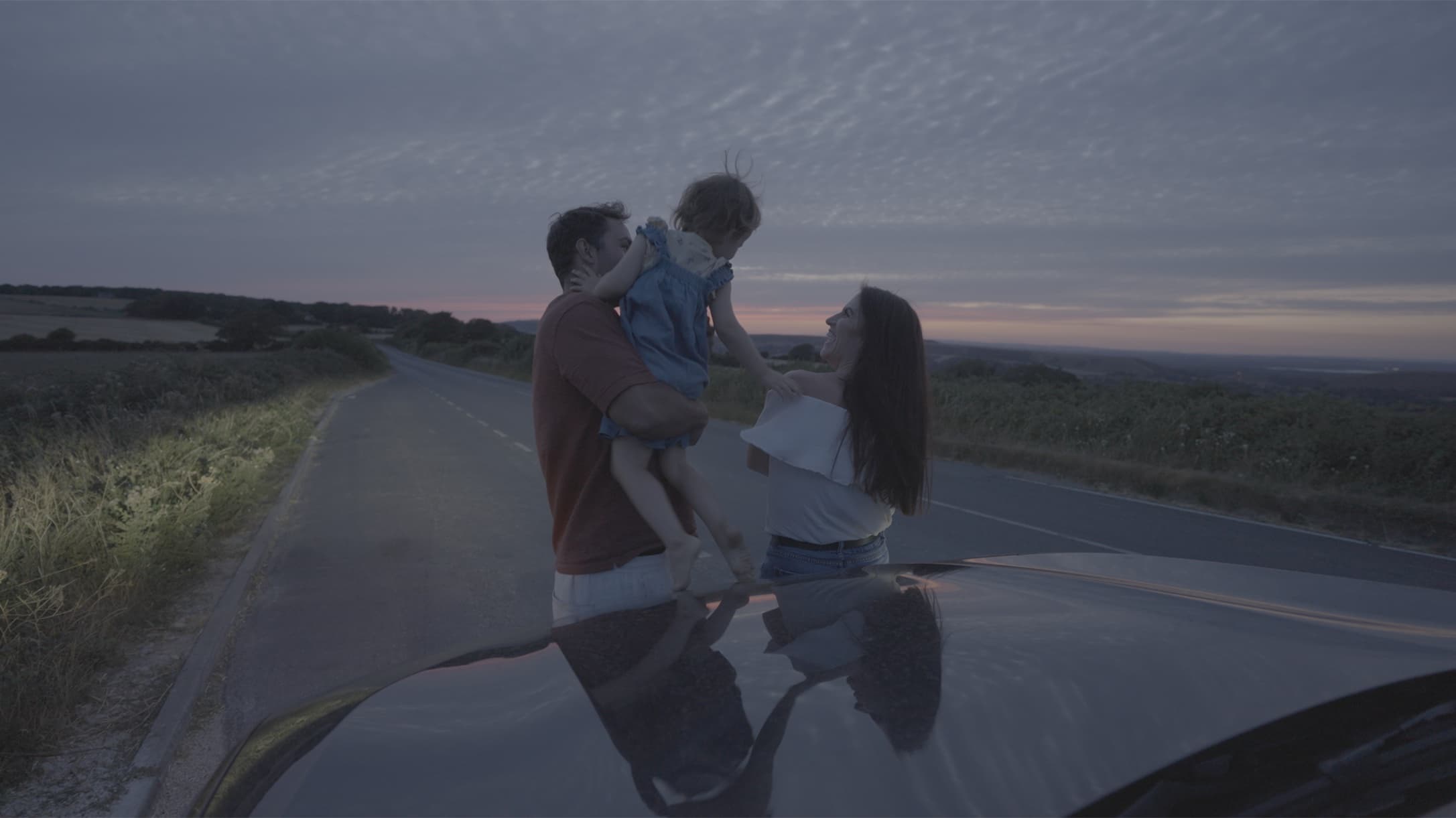
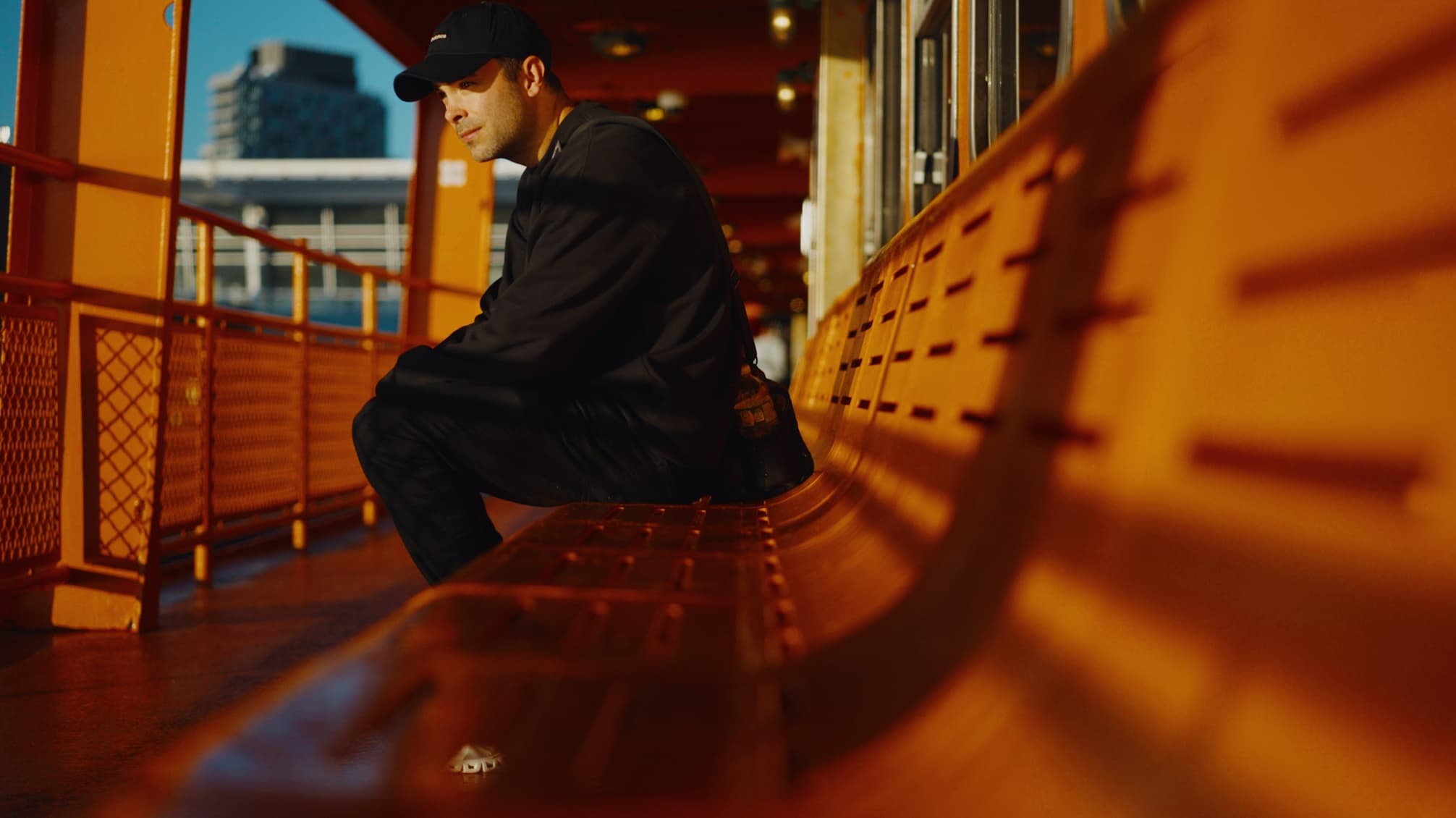
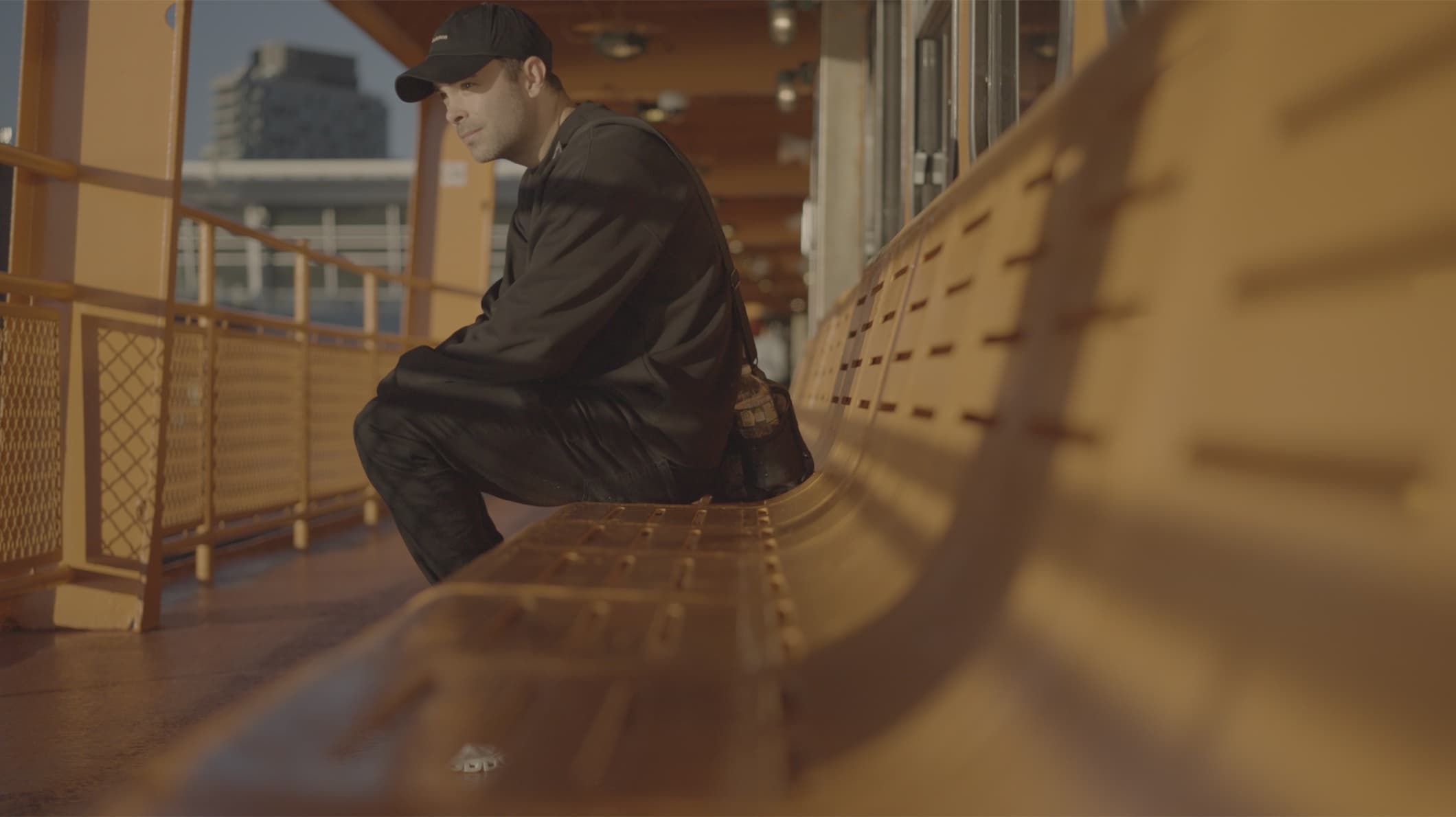
The LUTs
For Premiere Pro, DaVinci Resolve, Final Cut and CapCut.
Supports Sony S-Log3, Canon Log 3, Nikon N-Log, Panasonic V-Log, Blackmagic Gen 5, DJI D-Log and iPhone Apple Log.
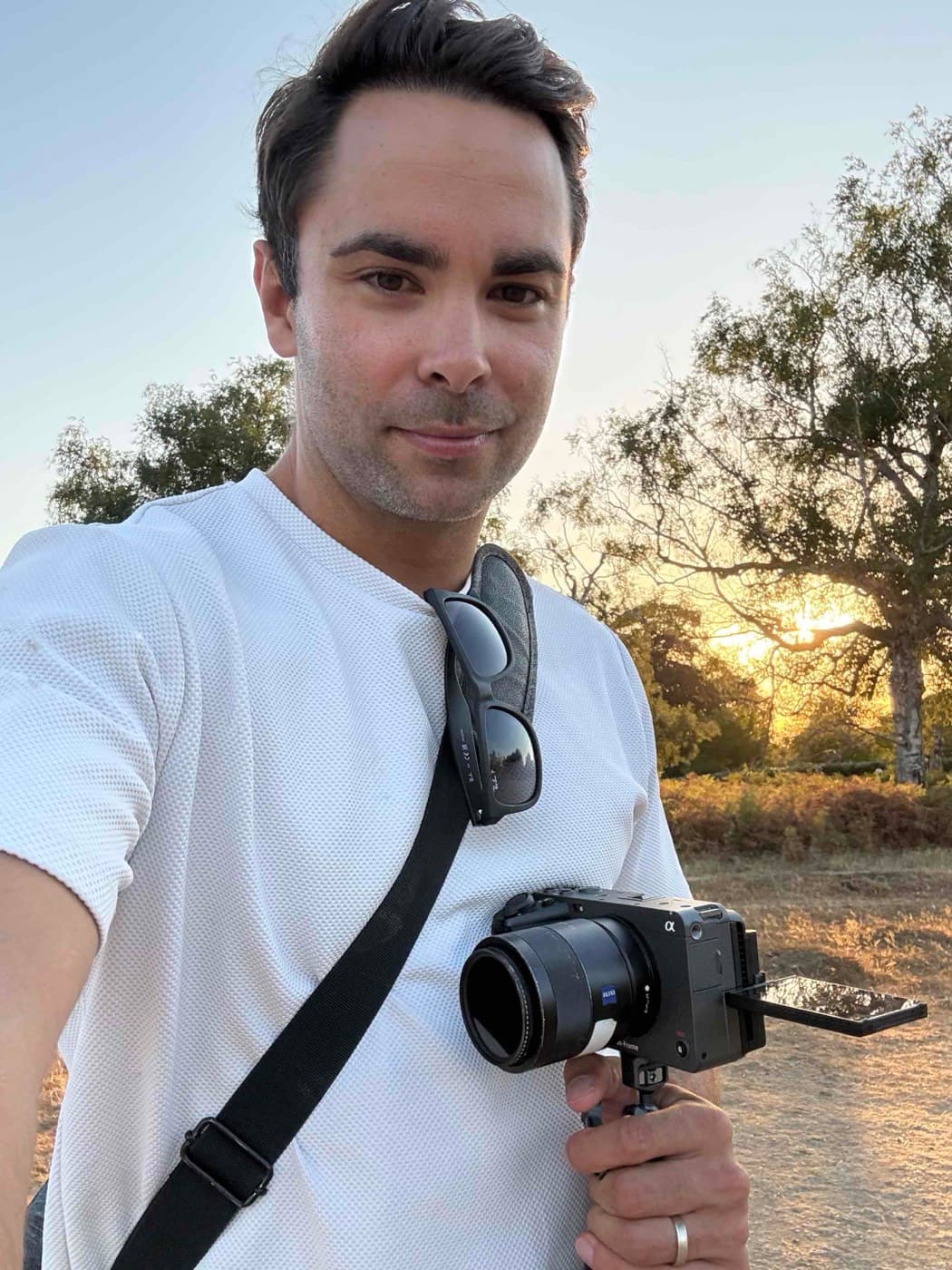
From one filmmaker to another.
I'm Tom, a filmmaker and dad of two.
After my family film reached 2 million views, one question kept coming up: ‘How do you get those colours?’
The honest answer is that I spent years trying to make my footage look the way those moments felt to me, and a lot of it didn’t quite work.
So I decided to create my own colour presets, and I’m so happy I finally get to share them with you now.
The best bit? You don't need to be a colour grading expert.
Even if you’re filming with an iPhone in Apple Log, they’ll give your home videos that warm nostalgic feeling you’ve been looking for.
Tom
Frequently asked questions
What cameras are supported?
The Camera LUTs have a file for each of these log profiles: Sony S-Log3, Canon Log 3, Nikon N-Log, Panasonic V-Log, Blackmagic Gen 5 and DJI D-Log. There's also a Rec709 file for footage not shot in log. Choose the file that matches how you shot.
What editing software can I use it in?
You'll need an editor that supports .cube LUTs, such as Adobe Premiere Pro, Final Cut Pro or DaVinci Resolve. For CapCut, check that your version supports importing custom LUTs.
I barely know how to edit. Will I manage?
You don't need to be a colourist. Every order includes a short, step-by-step video showing you how to install and apply your LUT, then make a few simple adjustments.
How do I get my LUTs?
You can download them straight away from the confirmation page. We'll also email you a link, so keep that email handy to find your files again.
How do I install the LUTs?
Your download includes .cube files and an installation guide. Follow the instructions for your editing software, apply the LUT to your clip and adjust the intensity to taste. Prefer to watch? The video below walks through it, and each editor has its own written guide.
I lost the confirmation page. How do I get my files again?
Open the email from Polar and click “Access purchase”. If you can’t find it, sign in to the Polar customer portal with the email you paid with and download again. Still stuck? Email us.
Should I get the Camera LUT or the iPhone LUT?
Choose the Camera LUT for supported footage from your dedicated camera, or the iPhone LUT for iPhone footage shot in Apple Log. Shoot on both? Get the bundle.
Will my footage look exactly like yours?
The LUT gives you a starting look, but lighting, exposure and white balance all affect the result. A few small adjustments will help you make it work for your footage.
Do I need any extra plug-ins?
No. You don't need any plug-ins if your editing software already supports importing .cube LUTs.
Can I get a refund?
Once you've downloaded your files, sales are final. If a file doesn't work for you, get in touch and we'll fix it or refund you.